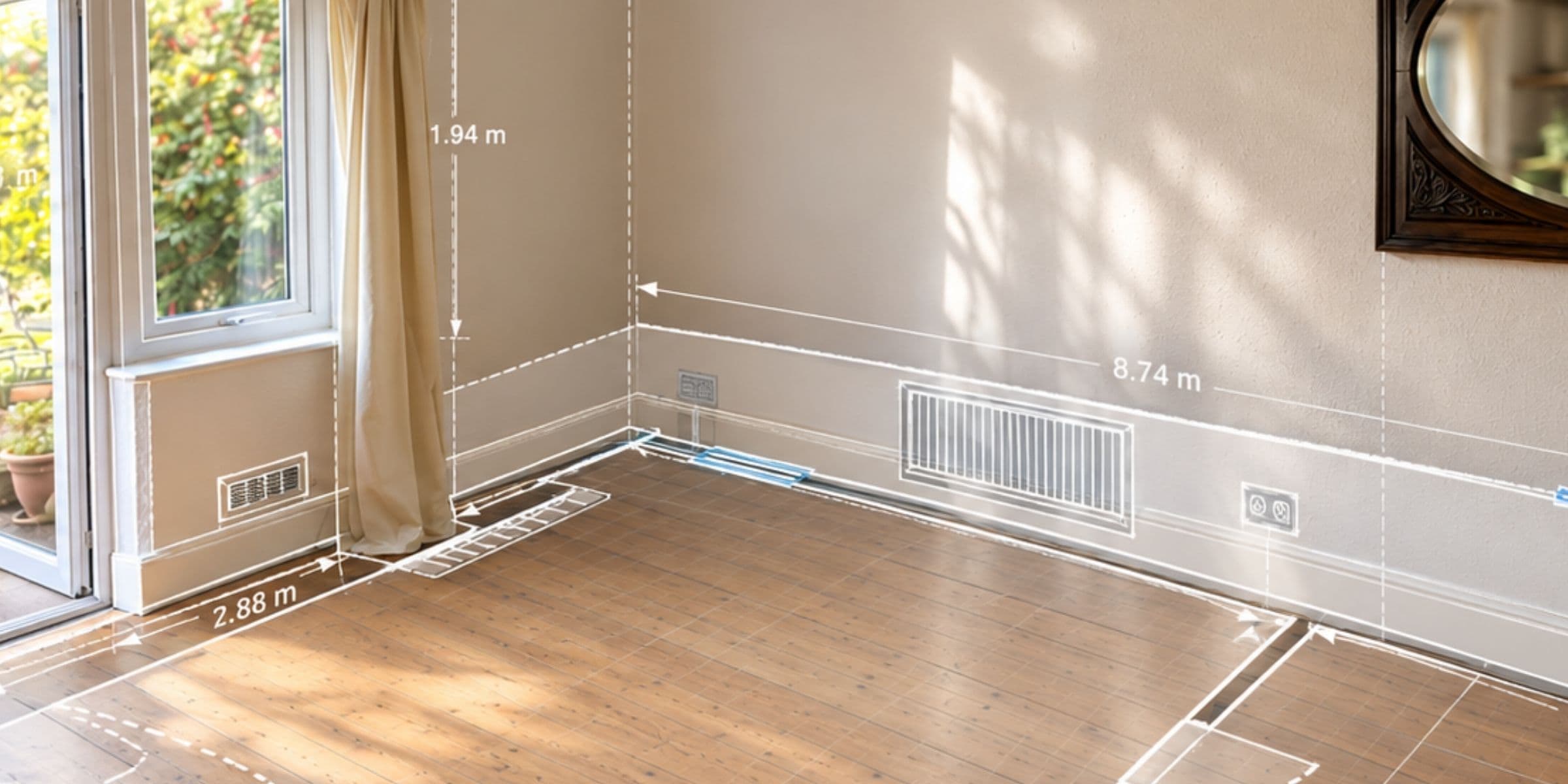
Connecting Retrofit Design and Delivery: TeamPoint and Retrofit Design Pro
TeamPoint and Retrofit Design Pro are working together to bridge the gap between retrofit design and delivery. By connecting PAS 2035 design and compliance with the practical management of installation projects, we hope to make life easier for retrofit contractors. We're looking for businesses to help shape the integration as it develops.


From Quote to Completion: Managing Projects with TeamPoint
From planning and scheduling to purchasing, variations, invoicing and profitability, discover how TeamPoint helps contractors manage projects of every size. Keep track of people, work, costs and compliance, all in one connected system.
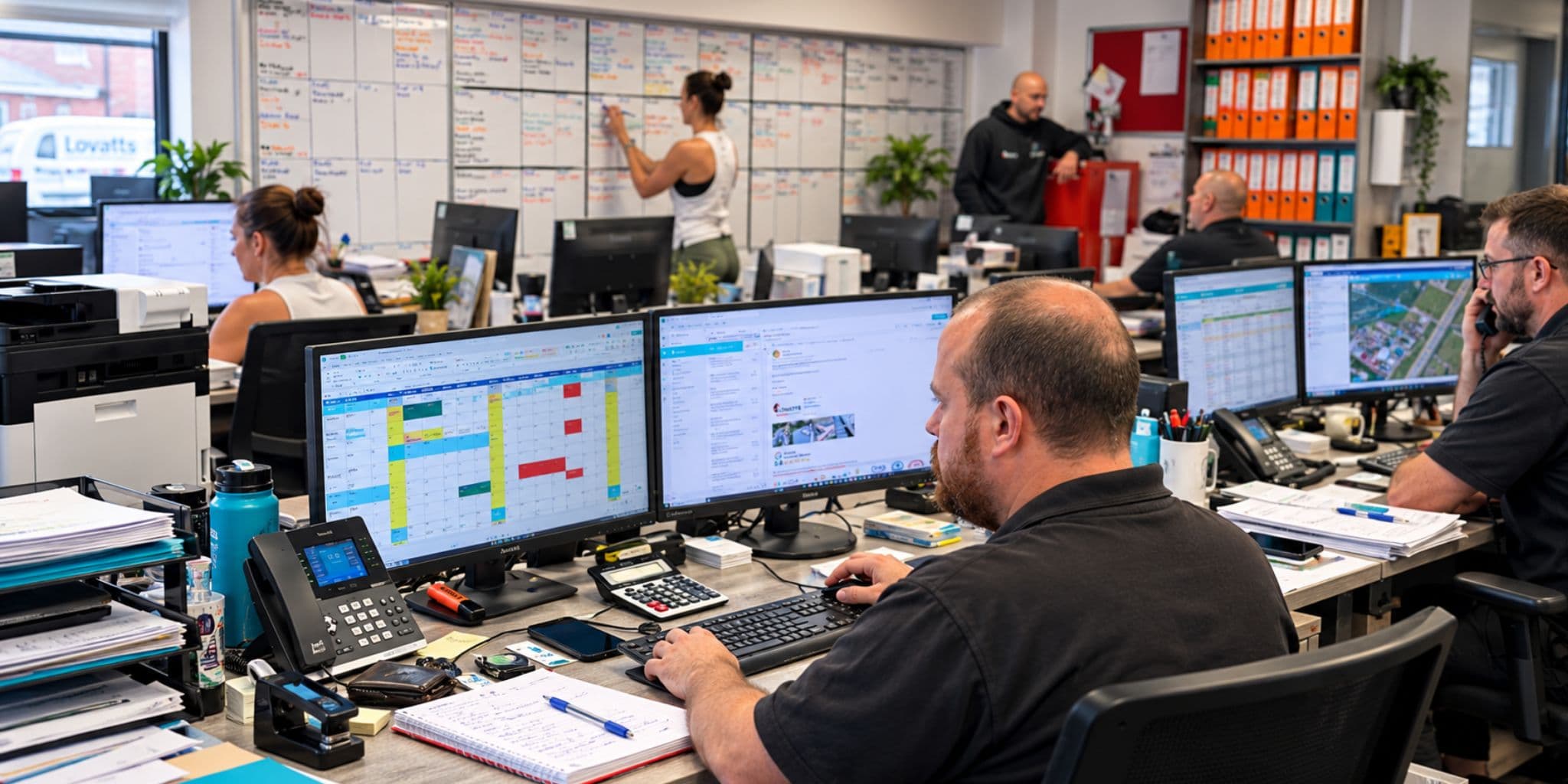
Beyond the Software: Making Job Management Software Work for Your Roofing Business
A look behind the scenes at how two roofing businesses are introducing TeamPoint in very different ways, and why people, tailored training and ongoing support make all the difference.

Managing Compliance with TeamPoint: Checks, Evidence & Audit Trails
TeamPoint makes compliance part of the job, keeping checks, evidence, qualifications and audit trails connected so they are simpler to manage and easier to find later.

From First Enquiry to Ongoing Service: Managing Customer Relationships in TeamPoint
TeamPoint keeps customer information, communication and work together from first enquiry through to invoicing, repeat service and account reviews. That means quicker answers, clearer records and a more consistent customer experience.

Working on site with the TeamPoint mobile app
A practical look at how the TeamPoint mobile app supports engineers and operatives on site, from accessing job information and completing forms to capturing evidence, updating assets and flagging further work. It also shows how information recorded on site feeds back into the wider TeamPoint job record, giving managers better visibility, consistency and information for follow-up, compliance, reporting and invoicing.

From Planning to Dispatch: Scheduling in TeamPoint
TeamPoint helps service businesses plan, allocate and adapt work using connected calendar, map and mobile scheduling tools. From planned maintenance and reactive jobs to skills, availability, travel time and reporting, scheduling stays connected to the wider job information so teams can make better decisions as the day changes.

Built around your business
Talk to our TeamGetting started with TeamPoint
Getting started with TeamPoint is structured, supported, and tailored to your business. We take time to understand how you work, then configure the system around your day-to-day operations and the needs of your team.
Whether you're relying on Excel spreadsheets, paper processes, or specialist software that no longer meets your needs, switching to TeamPoint is carefully managed by our experienced UK team. From discovery and configuration through to training and go-live, we'll guide you through every stage, ensuring your team feels confident, supported, and ready to get the very best from TeamPoint.
Discover
We start by understanding your business, your workflows, and the way your team operates. This allows us to recommend the best setup for your business.
Configure
We'll configure TeamPoint around your processes, import your data where needed, and provide tailored training to help your team feel confident using the system.
Go Live
Once you're up and running, our UK team is on hand to answer questions, provide guidance, and help you get the most from TeamPoint.