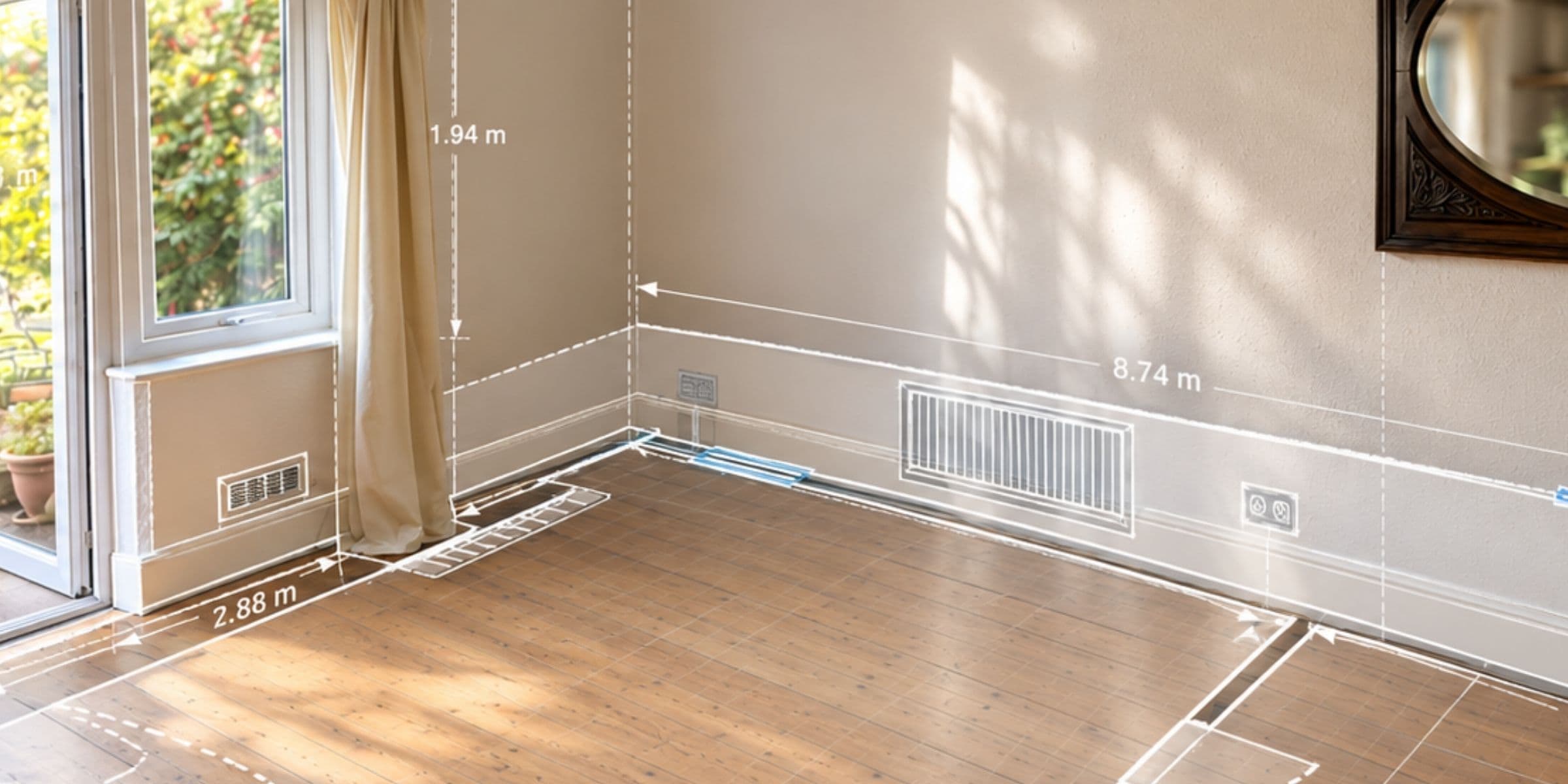
A well-designed job management workflow can reduce that duplication by keeping the project record alive from one stage to the next. Information captured during the survey can remain available to the office, designer and installation team. Documents produced in specialist solar software can be attached to the same customer or project. Details collected on site can feed into the evidence and compliance record rather than having to be reconstructed after the work is complete.
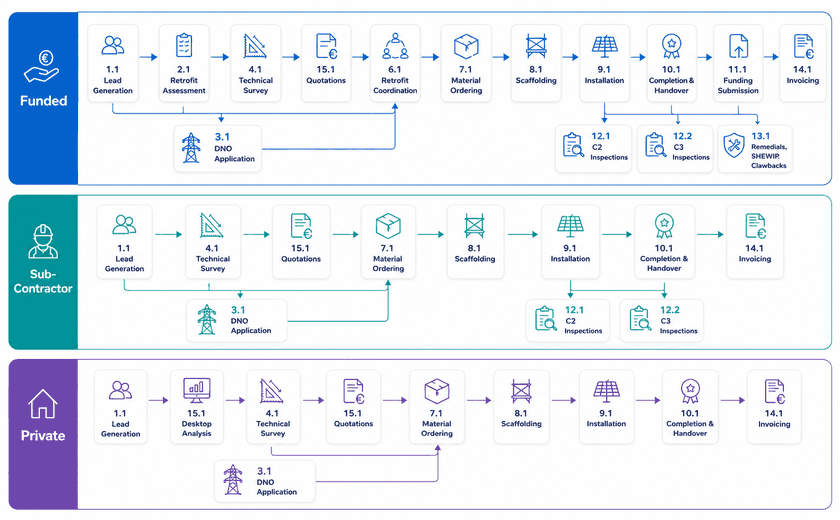
This becomes particularly valuable where the route through the project is not always the same. A private installation, a subcontracted solar job and a funded retrofit programme may share many of the same stages, but each can have different approvals, evidence requirements and commercial processes. Funded work may also introduce eligibility checks, approval gateways, evidence requirements and funding submissions that have to be completed before the project can move to the next stage or payment can be claimed. The workflow needs to reflect those differences without creating a completely separate way of working for every contract.
Knowing what stage a Job is at...
One of the most useful things an operations team can know is whether the next stage of the project can genuinely go ahead; for example whether a job is ready to schedule or needs materials purchasing.
A date in the diary is not enough if DNO approval is still outstanding, roof repairs have not been completed, materials have not arrived or a required document is missing. For a closer look at how TeamPoint handles planning, priorities, reactive work, recurring jobs and dispatch, read our guide to scheduling in TeamPoint.
In a tailored TeamPoint workflow, these conditions can be treated as prerequisites, with the system automatically moving the job forward as each stage is completed. For example, once a permission or approval has been recorded, the job can be flagged for the next required action — such as sending a quotation, raising a purchase order or progressing to installation preparation.
This means the workflow does more than show where a project is. It can trigger the next step automatically, helping teams keep work moving without relying on someone to remember what needs to happen next.
The project can show that the design is complete but approval is still outstanding, or that installation is ready once scaffolding and materials are confirmed. This gives schedulers and managers a much clearer picture before people and resources are committed.
It also reduces the reliance on manual checks and individual memory, making the process more consistent from one project to the next.
Build Compliance and Audit-readiness into the Solar Workflow.
Evidence is much easier to record while the work is happening than several days or weeks later. A required photograph takes seconds when the operative is standing in front of the installation. Missing it can mean phone calls, searching through personal devices or, in the worst case, another visit to site.
Mobile workflows can prompt operatives to complete the correct forms, photographs, signatures and checks as part of the job. DNO references, survey information, equipment records and commissioning details can remain linked to the project, creating a clearer audit trail of what was done, when and by whom.
TeamPoint can also reuse information already captured through surveys and job records to populate external compliance documentation, including MCS-related forms. The aim is not to reduce the evidence required. It is to avoid asking the team to enter the same evidence repeatedly.
For a broader look at how TeamPoint can help manage checks, approvals, evidence and audit trails across day-to-day work, see Managing Compliance with TeamPoint: Checks, Evidence & Audit Trails.
For the operations manager, the benefit is straightforward: less time chasing paperwork, fewer avoidable errors and greater confidence that the project record will stand up when it is reviewed.


:quality(90))